


Find great roads.
Drive them together.
- Your route, your way
- Offline navigation
- Live group tracking
Also on CarPlay
One quick check before searching:
Great roads near you
See all drives near you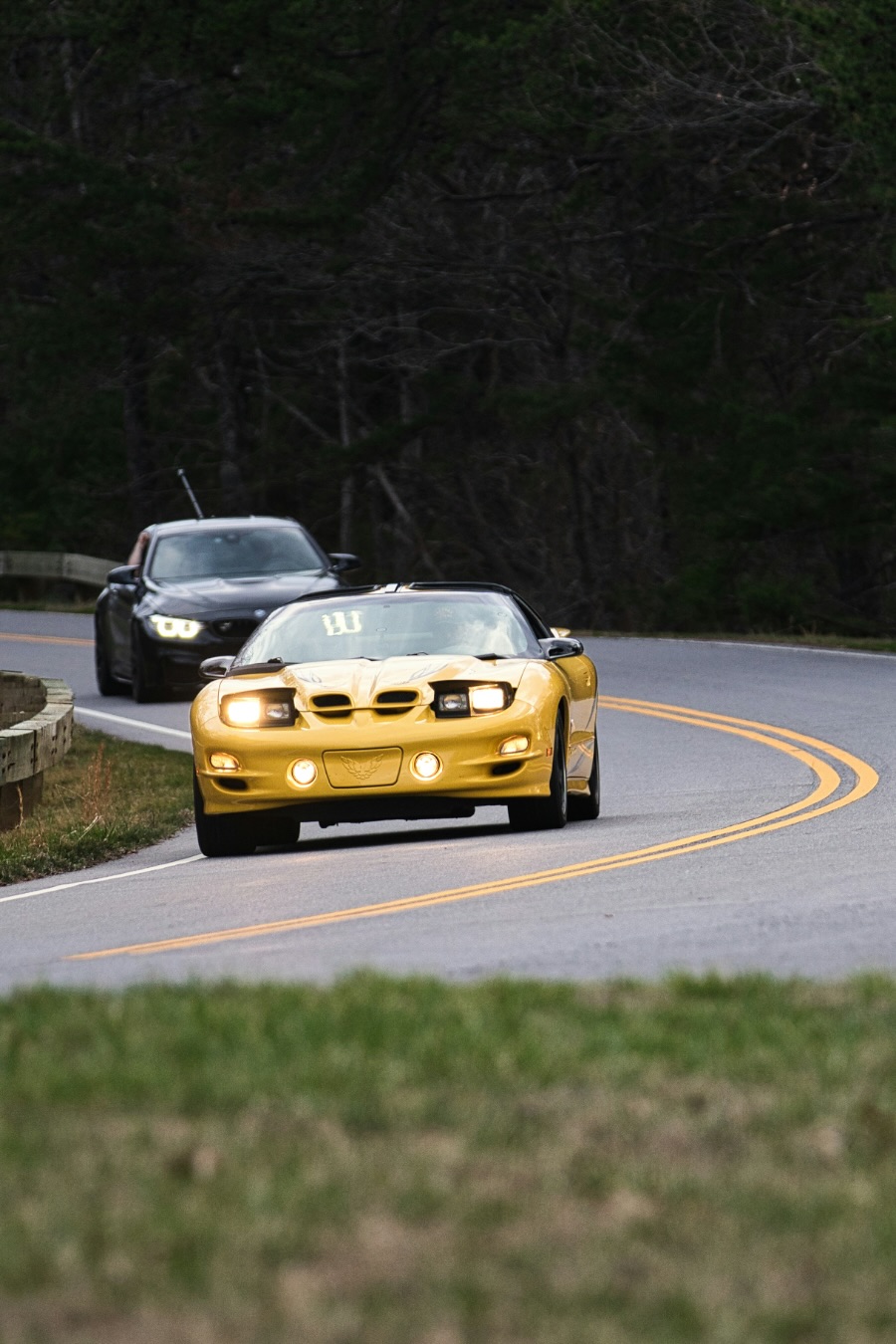



Plan the perfect drive
Plan stop by stop, or import from Google Maps, GPX, or Ride with GPS. Carve keeps you on the roads you chose.
One route. Everyone on it.
Share a link or QR code with your club or friends. Everyone gets the same route, down to the last turn.
See your whole group live
See who's ahead, who's behind, and how far apart you are. Right on your map, CarPlay or Android Auto.
Never lose your route. Even offline.
Download your route and drive through canyons, mountains, and back roads without losing turn-by-turn directions.

“As a PCA Golden Gate Region member, I wanted an easier way to plan great drives, keep everyone on the same route, and navigate roads without cell service. Nothing brought it all together, so I built Carve. It's a passion project, built for people who love to drive. Every subscriber helps keep it going.”
— Chris, founder of Carve
Carve is independent, and isn't affiliated with or endorsed by the Porsche Club of America.
Legendary drives
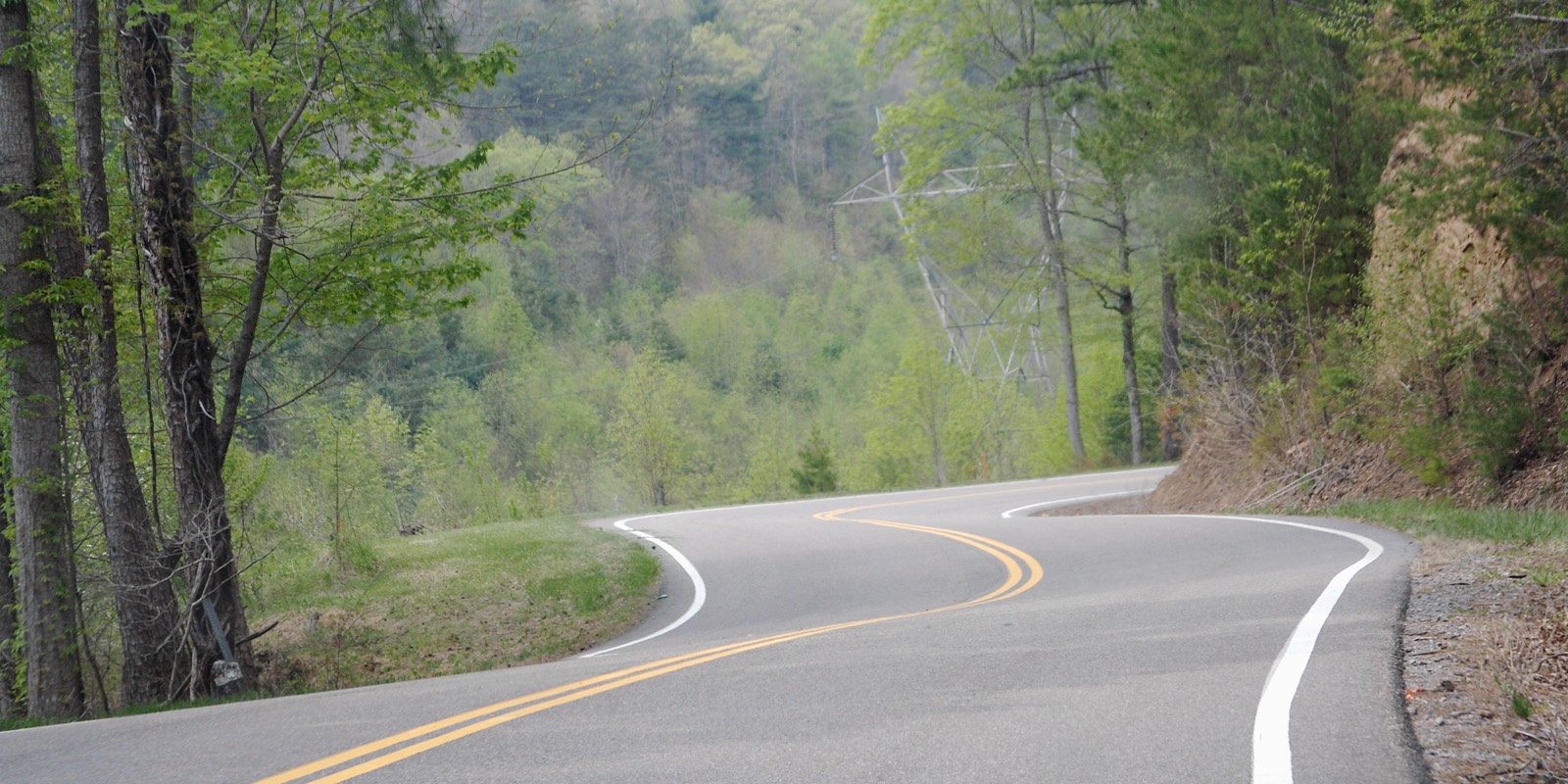 Tail of the DragonIntense11.3 mi · North Carolina
 Angeles Crest HighwayTwisty26 mi · California
 Beartooth HighwaySweeping65 mi · Montana
 Big Sur, Highway 1Sweeping89 mi · California
 Blue Ridge ParkwayTwisty68 mi · North Carolina
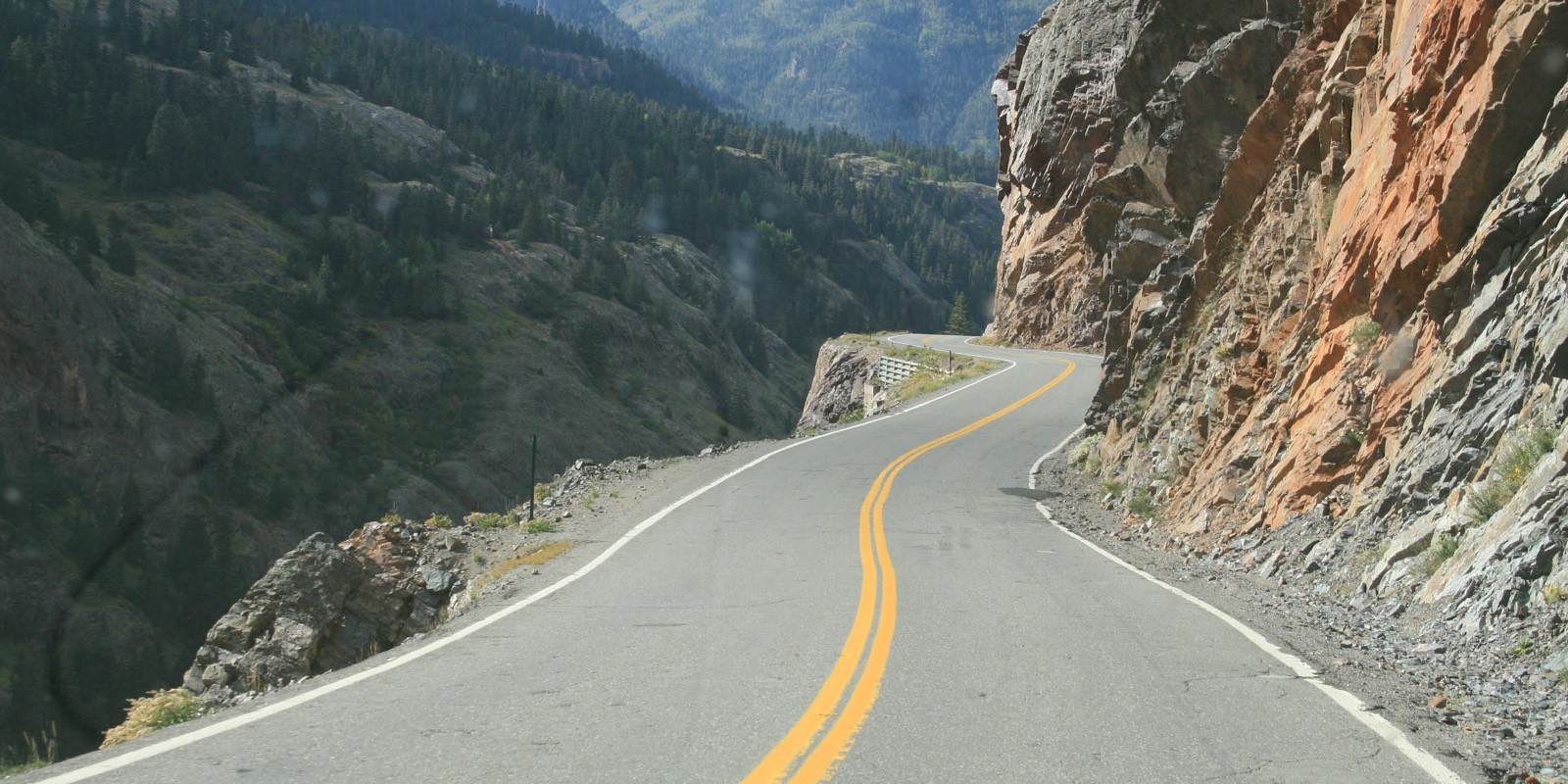 Million Dollar HighwayTwisty24 mi · Colorado
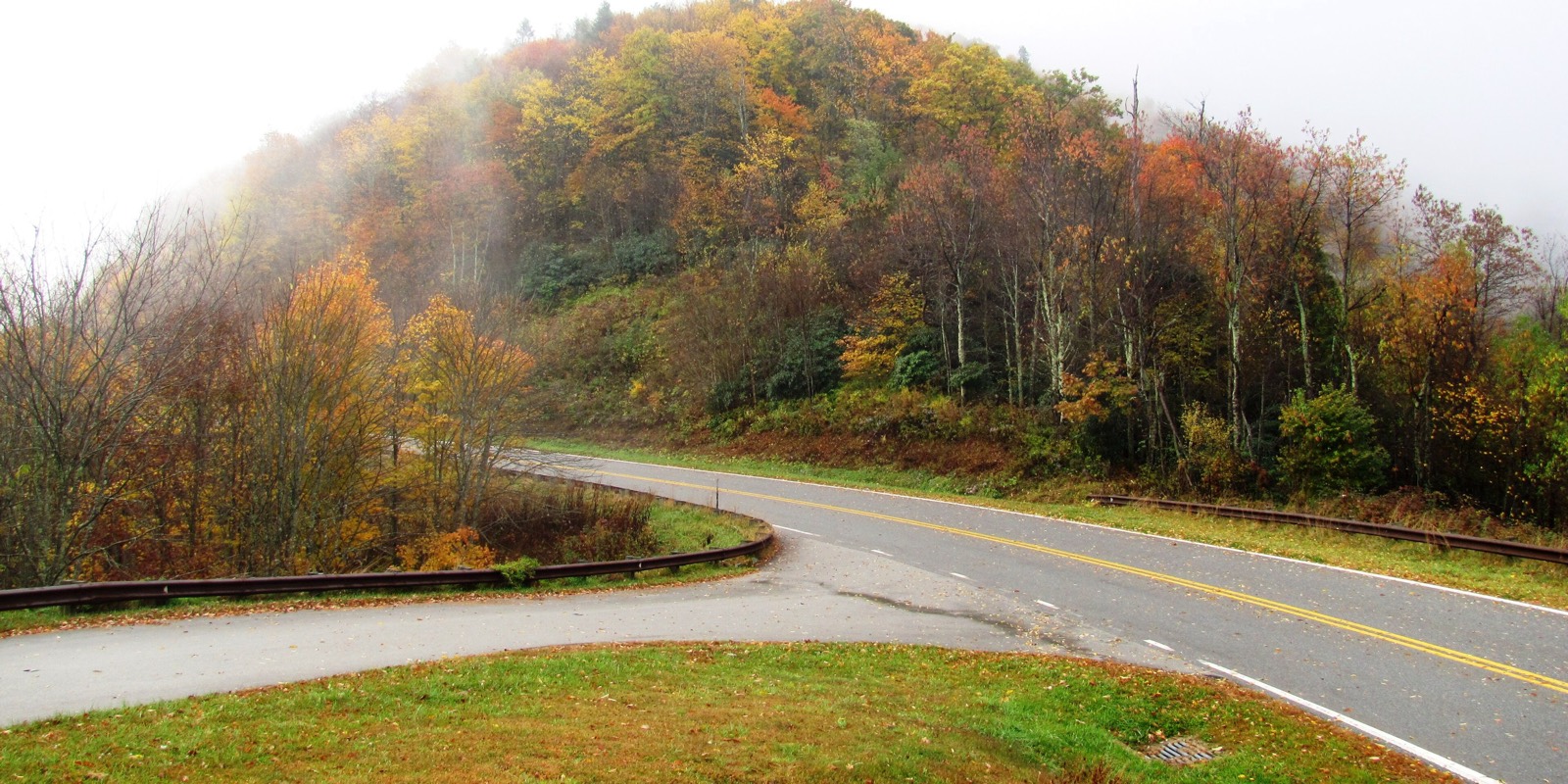 Cherohala SkywayTwisty51 mi · Tennessee
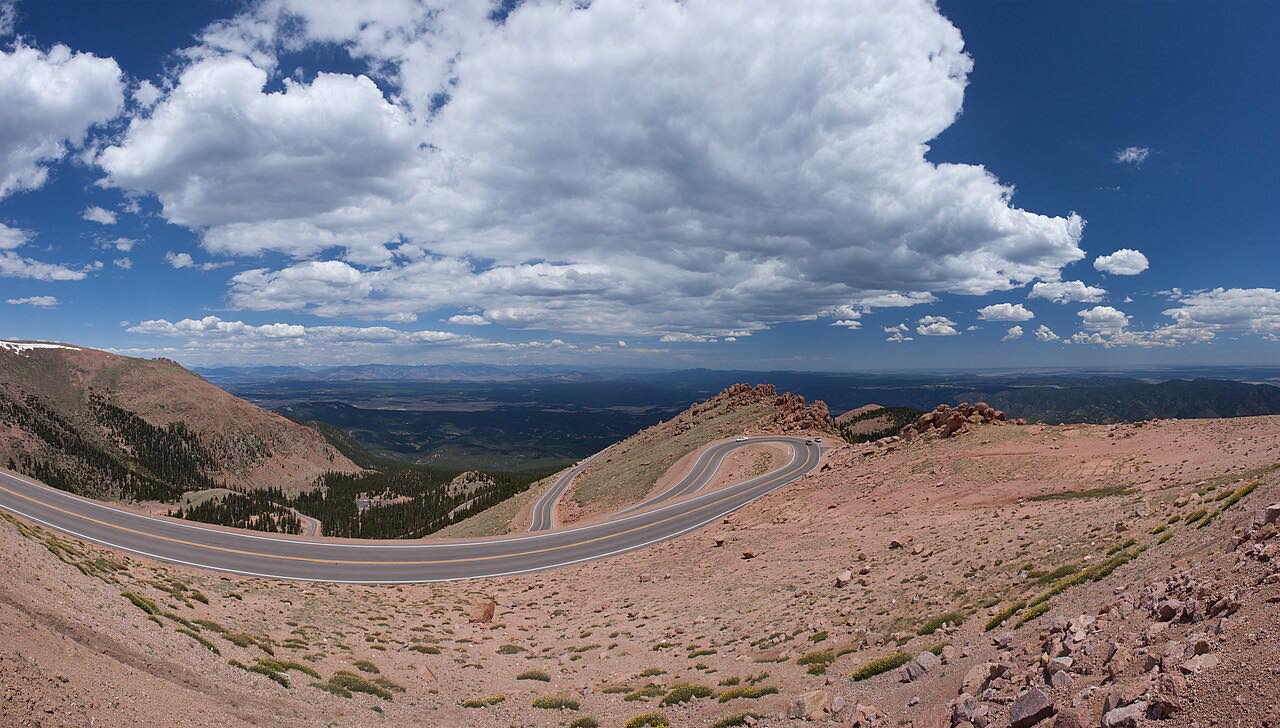 Pikes Peak HighwayIntense18.6 mi · Colorado
 RM 337: Medina to LeakeySweeping36 mi · Texas
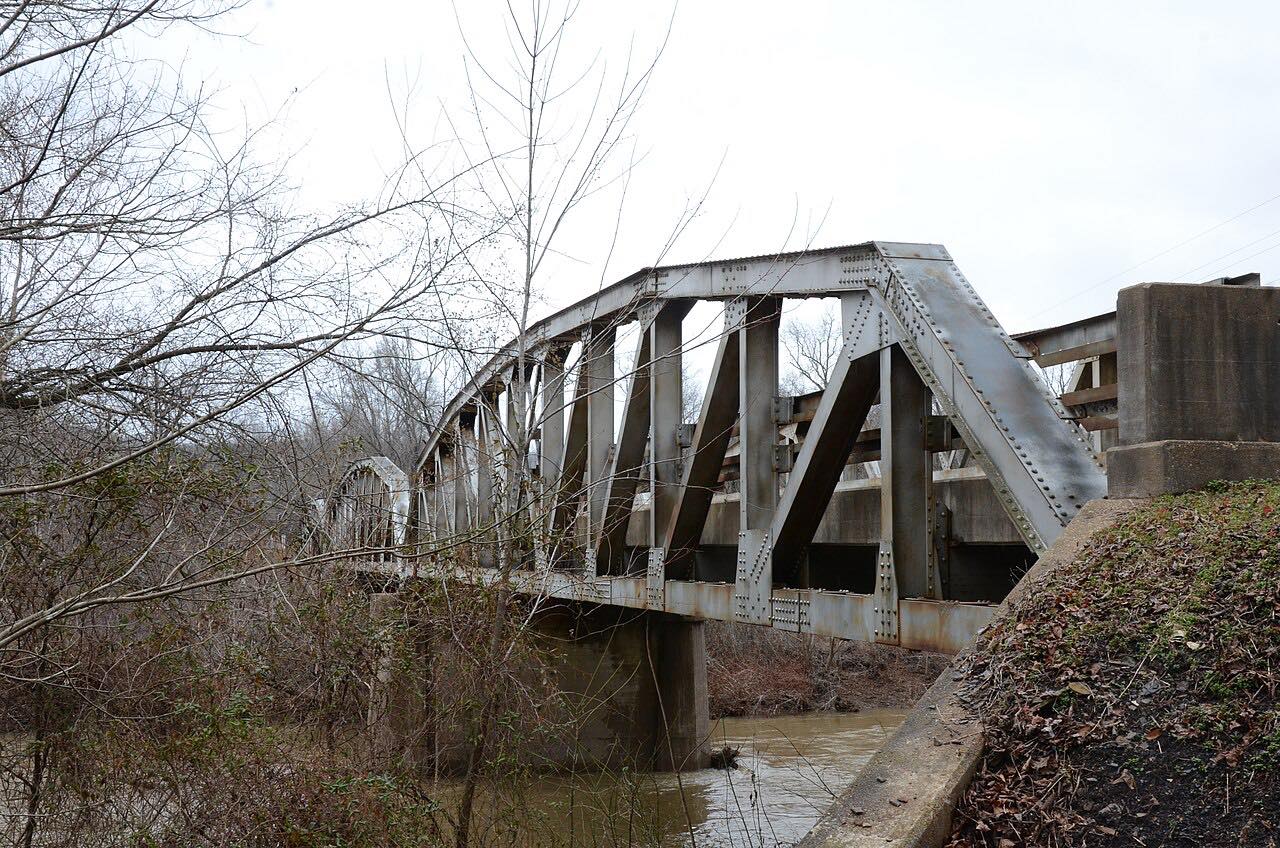 The Pig TrailSweeping75 mi · Arkansas
Explore drives by region
Top states and provinces
Frequently asked questions
What is Carve?
Carve is a route planner and navigation app for people who love to drive. Discover great roads, plan your own routes or import existing ones, and share them with your car club or friends. Unlike ordinary navigation apps, Carve follows the roads you chose instead of replacing them with a faster route. Navigate turn by turn, even offline, and see your group on the map as you drive.
Does Carve work without cell signal?
Yes, with Carve Apex. Turn on Available Offline for a route while you have a connection, and Carve downloads the map and every turn along it. The drive then works the whole way with no signal — in canyons, in the mountains, and on remote back roads.
Can I see my friends on the map when we drive together?
Yes. Send your group the route's link, and each of you turns on Group on the route. Everyone sharing it shows on the map and the car's screen, by name, with how far ahead or behind they are. Joining a group drive is free, and the group sees you; seeing everyone on your own map takes Carve Apex. Group is off until you turn it on, works only near the route, ends with the drive, and keeps no history.
How much does Carve cost?
Planning (in the app or on a computer at carve.run/plan), importing GPX, Ride with GPS and Google Maps routes, sharing, joining a group drive and driving with a signal are free, and so are the 1,200+ drives and guidance back to your route after a wrong turn. Carve Apex is $29.99 a year, with a 7-day free trial for new subscribers, or $4.99 a month, and adds offline maps, the whole group on your map, 3D previews, unlimited AI route planning, CarPlay and Android Auto, recording your drives, road conditions and popular times. See pricing.
Can I plan a route on my computer?
Yes, free. The planner at carve.run/plan builds a route on a big screen: search or click to add stops, add a great road whole, or import a GPX file or a Ride with GPS or Google Maps link. Saving it gives you a link to share, a QR code to open it on your phone, and printed turn-by-turn directions.
Can I import a route from Ride with GPS, a GPX file or Google Maps?
Yes, free. Open a GPX file from Ride with GPS, Garmin or another app, or paste a Ride with GPS or Google Maps link, in the app's Import or at carve.run/plan. Carve keeps the route's exact roads, and you drive it turn by turn.
Does Carve work with CarPlay and Android Auto?
Yes. With Carve Apex, your route, turns and stops appear on the car's screen through Apple CarPlay on iPhone or Android Auto on Android.
What happens if I take a wrong turn?
Carve doesn't reroute you onto a different road. It points you back to the route you planned and gives turn-by-turn directions to where you'll rejoin it, free. With the route downloaded for offline (Carve Apex), the way back works with no signal too.
What are hazard reports?
See debris, an animal or a crash on the road? Report it with one tap while you drive, and drivers behind you on the route are warned before they get there.
Does Carve work on a motorcycle?
Yes. Mount your phone and pair your helmet headset, and Carve's spoken turn-by-turn directions come through it like any other Bluetooth audio. Everything else works the same on two wheels: the twisty roads, routes that never swap in the fastest way, offline maps where there's no signal, and Group, so your riding group sees each other on the map.
Is Carve good for car clubs, riding groups and group drives?
Yes. Plan the drive once, or import the route you already have, and share one link or QR code: everyone opens the same route in Carve on iPhone or Android, members without the app can view it and print the turns, and changes you make reach everyone on the same link. Here's how to plan and lead a group drive, step by step.
Which phones does Carve run on?
iPhone with iOS 26 or later, from the App Store, and Android 10 or later, in early access on Google Play.